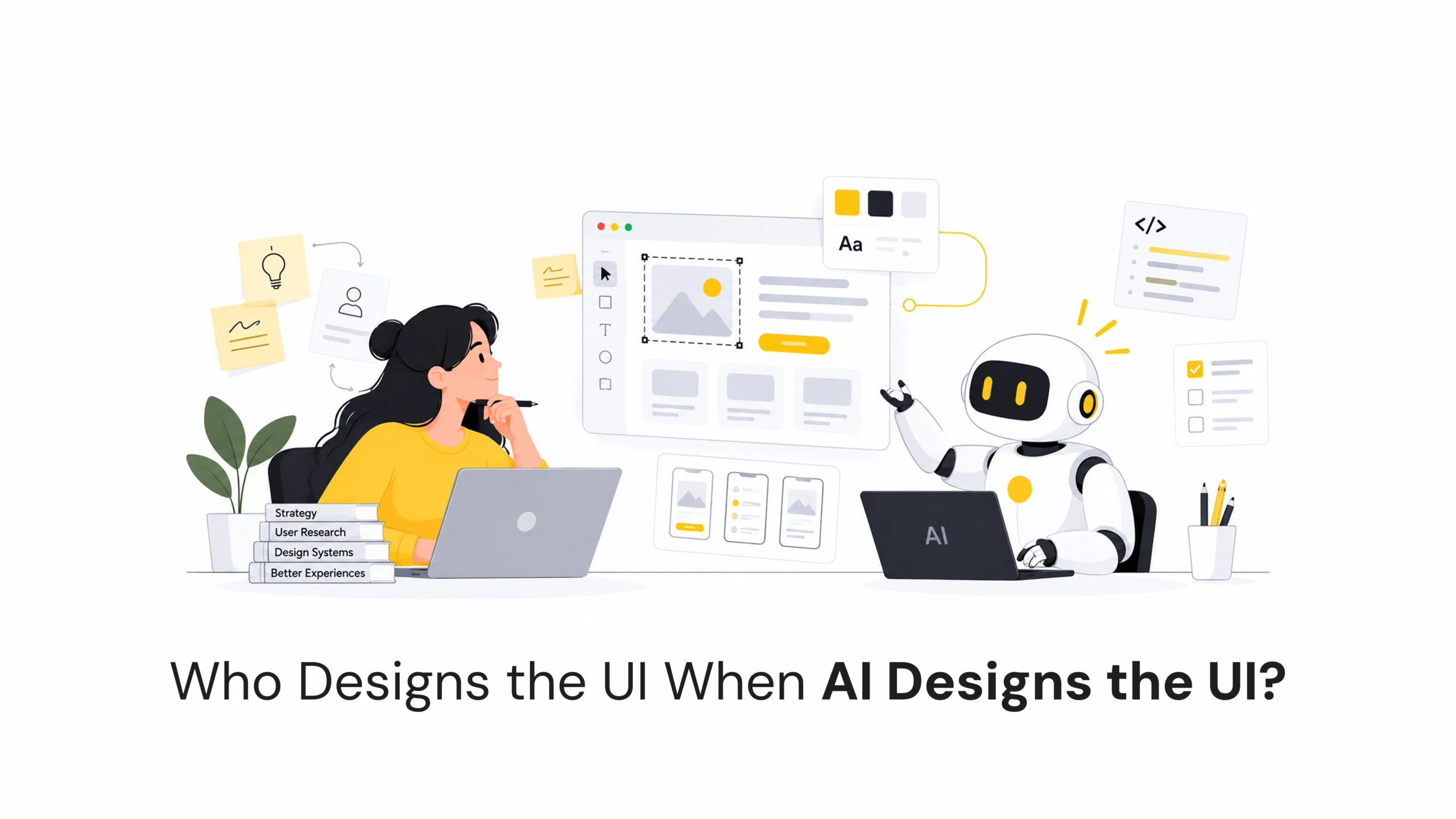
AI is changing how quickly interfaces can be created.
With a simple prompt, AI tools can now generate layouts, components, dashboards and even complete interface concepts in seconds. What once took hours of design work can sometimes be explored in a few minutes.
But creating a UI is not the same as designing an experience.
Who Designs the UI When AI Designs the UI?
- September 25, 2026
- Pavithra R
- 10:00 am
Post Views: 27
AI is changing how quickly interfaces can be created.
With a simple prompt, AI tools can now generate layouts, components, dashboards and even complete interface concepts in seconds. What once took hours of design work can sometimes be explored in a few minutes.
But creating a UI is not the same as designing an experience.
A generated screen may look polished, but good design also requires understanding the user, the problem, the context and the decisions behind the interface.
As AI becomes more involved in creating UI, the role of the designer is changing too.
From Pixels to Prompts
Traditionally, designers created interfaces element by element.
They chose the layout, created components, adjusted spacing and typography, and explored different visual directions.
AI can now handle parts of this process.
A designer can describe an idea and generate multiple interface variations quickly. This makes experimentation faster and reduces the time spent creating repetitive UI elements.
But speed is only useful when the direction is right.
The designer still needs to define what needs to be designed and why.
A Generated UI Isn’t a Designed Experience
A visually attractive interface doesn’t automatically mean it is a good experience.
AI-generated screens can still have problems with:
- Information hierarchy
- Accessibility
- Navigation
- Usability
- Interaction logic
- Content structure
- Responsive behaviour
A screen might look perfect in a screenshot but become confusing when a real user tries to complete a task.
That’s why design is not simply about producing pixels.
It’s about making the right decisions for the people using the product.
The Designer’s Role Is Changing
As AI takes care of more repetitive design tasks, designers can spend more time on the parts that require deeper thinking.
Instead of creating every element from scratch, designers can focus on:
Problems → Constraints → Systems → Behaviours → Outcomes
The designer becomes responsible for defining the direction and making sure the generated work supports the product’s goals.
AI can help create the possibilities.
The designer helps decide which possibility actually makes sense.
Taste Isn’t a Prompt
AI can generate hundreds of design variations.
But more options don’t automatically lead to better design.
A product may need to feel trustworthy, playful, premium, simple or highly functional depending on its audience and brand.
AI can generate different visual directions, but deciding which direction fits the brand and users requires context.
This makes curation and judgment increasingly important design skills.
The designer’s value isn’t only in creating options.
It’s also in knowing which options to reject.
Design Systems Become the Guardrails
Design systems can give AI a clear set of boundaries to work within.
Components, design tokens, typography, spacing, colours and interaction patterns can help ensure that generated interfaces remain consistent.
Instead of asking AI to invent an entirely new interface every time, designers can give it an established design language.
This can make AI-generated UI more predictable, reusable and aligned with the product.
A strong design system therefore becomes more than a collection of components.
It becomes a set of rules that guides how AI creates.
From Designing Screens to Designing Behaviour
AI-powered products introduce another shift.
Designers aren’t only designing what a screen looks like. They are increasingly designing what happens when an AI system interacts with the user.
For example:
- What happens when AI is thinking?
- How does the user know something is being processed?
- What happens when AI makes a mistake?
- When should AI ask for clarification?
- When should a user approve an action?
- How should uncertainty be communicated?
These behaviours become part of the user experience.
Designing AI products therefore requires thinking beyond screens and considering how the system behaves over time.
The Designer Becomes the Decision Maker
AI can generate possibilities at a scale that humans cannot easily match.
But generating possibilities isn’t the same as making decisions.
Designers still need to decide:
What should exist?
What shouldn’t exist?
Who is this for?
What problem are we solving?
Why is this interaction necessary?
These decisions require understanding users, business goals and context.
AI can accelerate the creation process, but the designer remains responsible for shaping the experience.
Conclusion
AI is making UI creation faster, but it isn’t removing the need for design.
The role of the designer is moving from creating every pixel toward defining intent, setting constraints, evaluating possibilities and shaping the final experience.
The designers who work effectively with AI may not be the ones who generate the most screens.
They may be the ones who know which screens should exist, which shouldn’t, and why.
AI may make creating UI easier. Knowing what UI should exist may become the more valuable design skill.
Latest Blogs
Work With Us to Create Impactful Digital Experiences
FAQs
Can AI design a complete UI?
AI can generate complete UI concepts, layouts and components, but human review is still important for usability, accessibility, brand consistency and product requirements.
Will AI replace UI/UX designers?
AI can automate parts of the design process, especially repetitive and exploratory tasks. Designers still play an important role in understanding users, defining problems and making product decisions.
How can designers use AI effectively?
Designers can use AI to explore ideas, generate variations, create prototypes, organise information and speed up repetitive tasks while keeping human judgment at the centre of the process.
Why are design systems important for AI-generated UI?
Design systems provide AI with consistent rules for components, typography, colours, spacing and interactions. This helps generated interfaces stay aligned with an established product language.